
Deleting Files Just Got
Ridiculously Fun.
Hit Delete on any file. A stylized cartoon revolver pulls up right at your cursor, locks onto the file, and blasts it into colorful paper confetti.
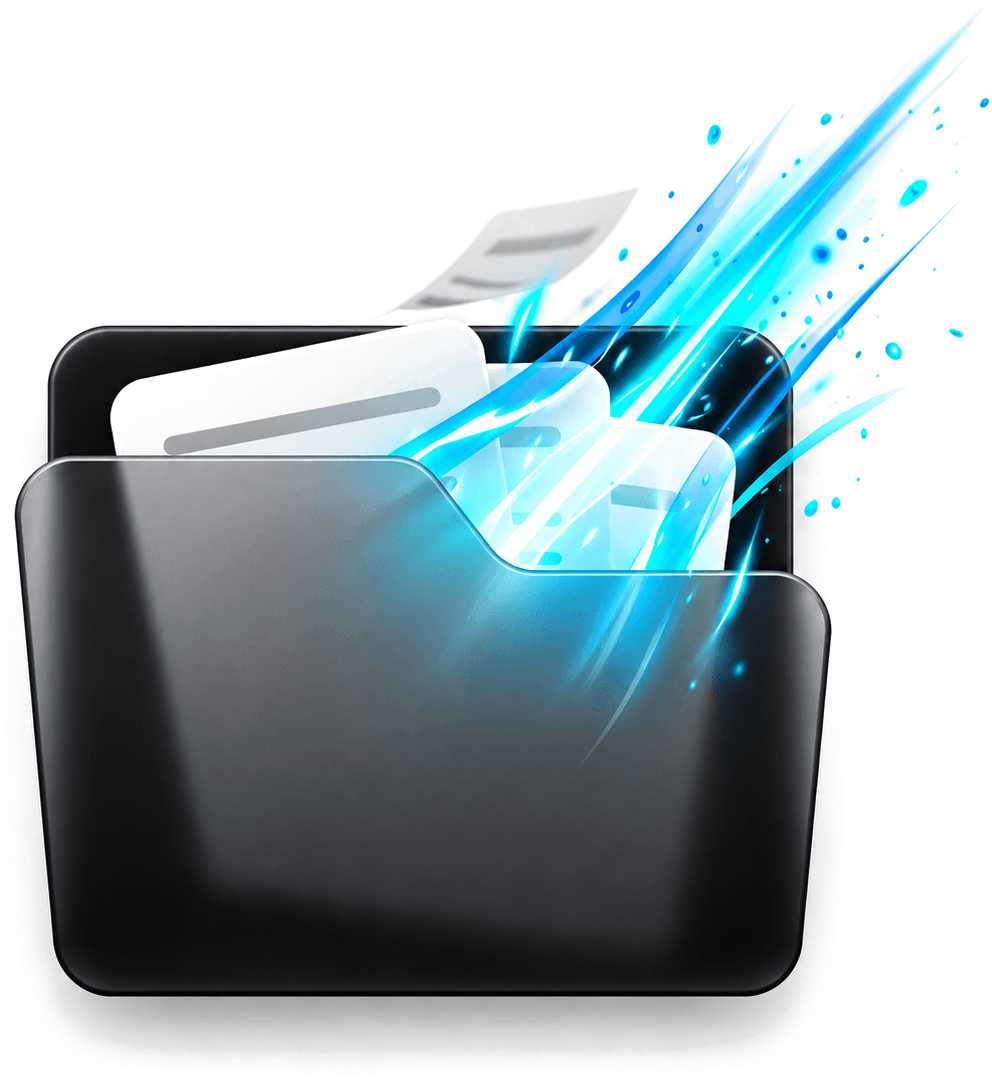
bustthefile runs silently in the background, pops up right at your deleted file, and obliterates it with a realistic 2D cel-shaded revolver.
Try It Right Now
Pick any sample file below and hit “Bust Target File”. Watch the comic eyes follow the barrel, tremble with fear, and explode into paper confetti.
Tax_Audit_Report_2026.pdf
Click to bust

Standard Windows vs bustthefile
Why settle for a tiny Recycle Bin paper crunch when you can obliterate files with comic firepower?
Boring File Deletion
Standard Windows deletion has stayed untouched for 30 years: an uninspired modal asking if you are sure, followed by a faint Recycle Bin audio sound.
- Boring dialog modal blocks your flow
- Zero visual feedback at coordinate location
- Identical treatment for all file types
- Zero excitement, zero gamification
Weaponized Deletion
Gamifies every deletion into an instantaneous 2D cartoon spectacle right at your cursor coordinates with true 0.0% CPU idle impact.
- 0ms instantaneous reaction right at file pixels
- Point-blank cel-shaded revolver with recoil physics
- Terrified cartoon eyes nervously tracking the barrel
- 10+ dynamic file themes with tailored confetti shards
Built to be Fun, Fast, and Safe
Everything designed for sheer satisfaction, with zero bloat and zero lag on your computer.
Right-Click Anywhere
Right-click any annoying file or folder and choose 'bustthefile 💥'. The revolver pops in point-blank and obliterates it on the spot.
Instant Delete Key
Prefer using your keyboard? Just press Delete on any file. bustthefile catches it in 0 milliseconds and appears right at your cursor.
Never Cuts Off Screen
If a file is right against the edge of your monitor, the gun smartly switches sides so the barrel is never clipped off-screen.
Hilarious Terrified Eyes
Files know what is coming. They tremble with comic fear, drop a sweat drop, and their pupils nervously follow the gun barrel.
Any Monitor or Screen
Using dual monitors or high-resolution 4K scaling? bustthefile automatically detects which screen your mouse is on.
Zero Slowdown on Your PC
Sleeps quietly in your Windows taskbar clock tray. When you are not deleting files, it uses 0.0% battery and zero computer power.
10+ Themed Explosions
When you delete a file, it doesn’t just vanish—it bursts into colorful 2D paper confetti matching the exact type of file you destroyed.
PDF Theme
Folded PDF Sheet with Crimson Flash and Ember Shards
How It Actually Works
Everything happens in less than a second, using pure Windows hooks and lightweight code.
You Hit Delete
You press the Delete key or right-click any file and select “Bust with bustthefile”.
Cursor Pinpointed
bustthefile captures the exact screen coordinate of your mouse cursor in 0 milliseconds.
Revolver Aims
A transparent, click-through overlay pops up right on your file. The gun cocks back point-blank.
650ms: BANG!
The file is moved to your Recycle Bin, smoke plumes flare, and custom paper confetti erupts.
// watcher.js: Instant 0ms deletion watcher with Recycle Bin metadata tracking
const chokidar = require('chokidar');
const { getCursorPosition, getActiveDisplay } = require('./mouse-tracker');

function setupWatcher(ipcBroadcast) {
  const userFolders = [
    process.env.USERPROFILE + '\\Desktop',
    process.env.USERPROFILE + '\\Downloads',
    process.env.USERPROFILE + '\\Documents'
  ];

  const watcher = chokidar.watch(userFolders, {
    ignored: /(^|[\/\\])\../,
    persistent: true,
    ignoreInitial: true,
    depth: 1
  });

  watcher.on('unlink', (filePath) => {
    const coords = getCursorPosition();
    const display = getActiveDisplay(coords);
    ipcBroadcast.emit('bust-file', {
      path: filePath,
      x: coords.x,
      y: coords.y,
      bounds: display.workArea
    });
  });
}Get bustthefile
Takes less than a minute to set up. Free, open-source, and guaranteed zero battery drain.
bustthefile Setup
Standalone Executable (.exe)- Adds “Bust with BustTheFile 💥” right-click option
- Catches the Delete key instantly anywhere on your PC
- Lives quietly in your taskbar clock tray
Run From Source
Want to inspect the code or customize sounds? Clone the repo in 60 seconds:
Frequently Asked Questions
Everything you need to know about using bustthefile on your computer.